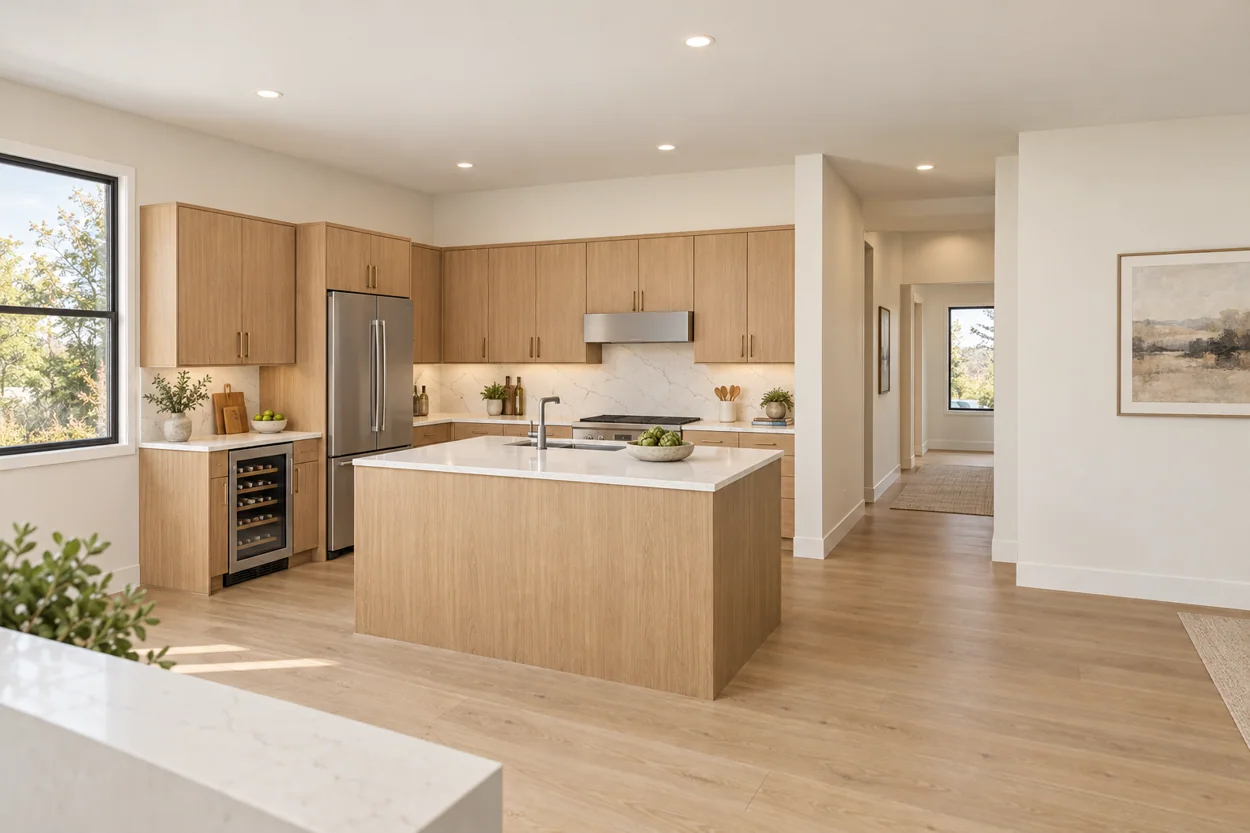
Which rendering workflow fits the files you have?
Choose a starting point for a presentation when you have a site photo, an architectural PDF or an authored design model.
When you have a photo
A photo already fixes the camera and captures what is physically visible. It is a sensible starting point for exploring a change to a built space. Mark what must remain, especially adjacent doors and window surrounds. If the client asks to see the opposite side of the room, the first image cannot establish what is behind the camera.
When you have the plan set
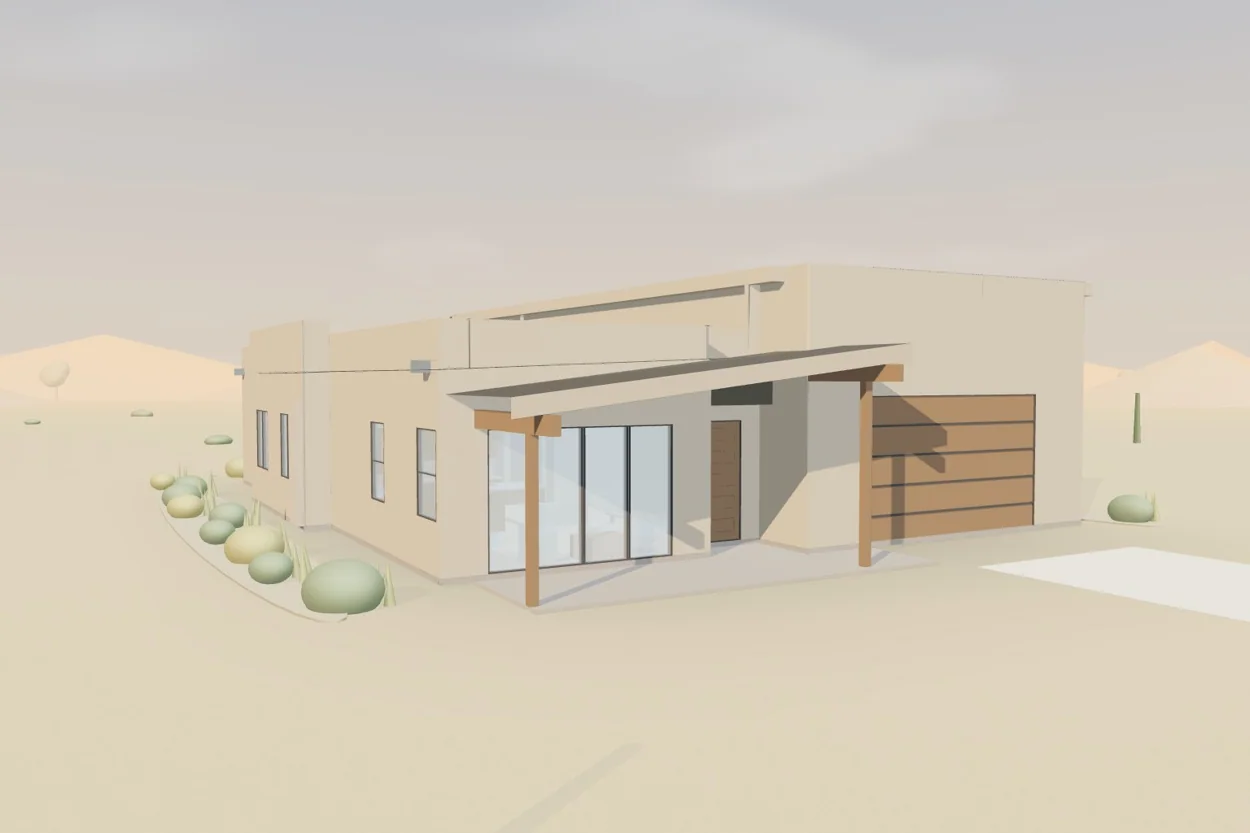
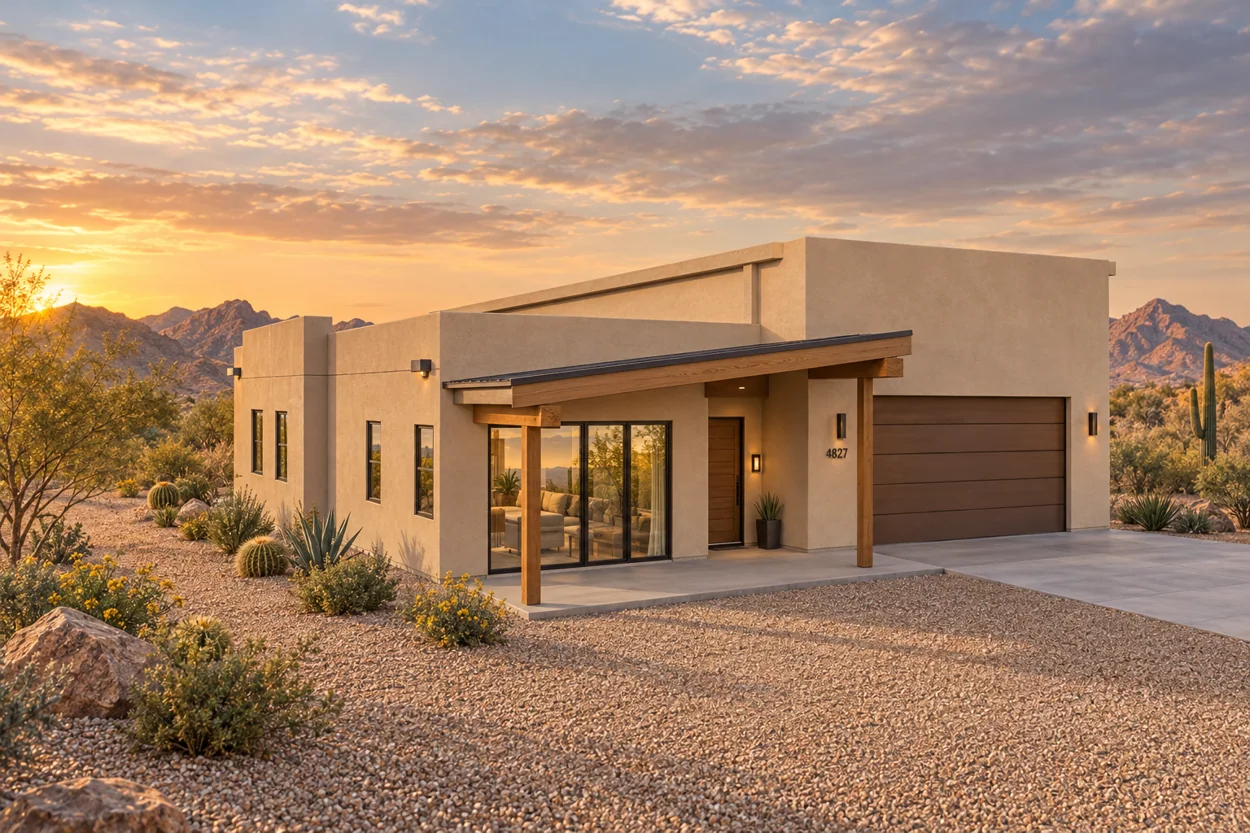
A PDF-based studio gives the review a common building and repeatable camera positions. In AI Rendering Studio you can build the basic model, inspect a room, save angles and select the shots you want to render. Compare the model with the drawings before using an image to discuss the size or placement of an architectural feature.
When you already have an authored model
A designer who has a coordinated building model may want to control family geometry, exact material assignments and schedules there. Decide who owns those edits before images begin circulating. A finish requested in an image review still needs to reach the person maintaining the project’s specifications.
Use a decision as the trial
Give the candidate workflow one task, such as comparing two cabinet palettes from the pantry doorway. Ask a colleague to reproduce the angle and identify exactly what changed. The deliverable is easier to evaluate when everyone knows the camera, the approved source and the decision the image was meant to support.
START A HOUSE
Upload the plans. Render the finished home.
Build a basic 3D model for free, then bring a house to life with a rendering package.
Start a house