How to evaluate rendering software in one buyer meeting
Run a practical test for camera continuity, controlled finish changes and a handoff another designer can use.
Set a small acceptance test
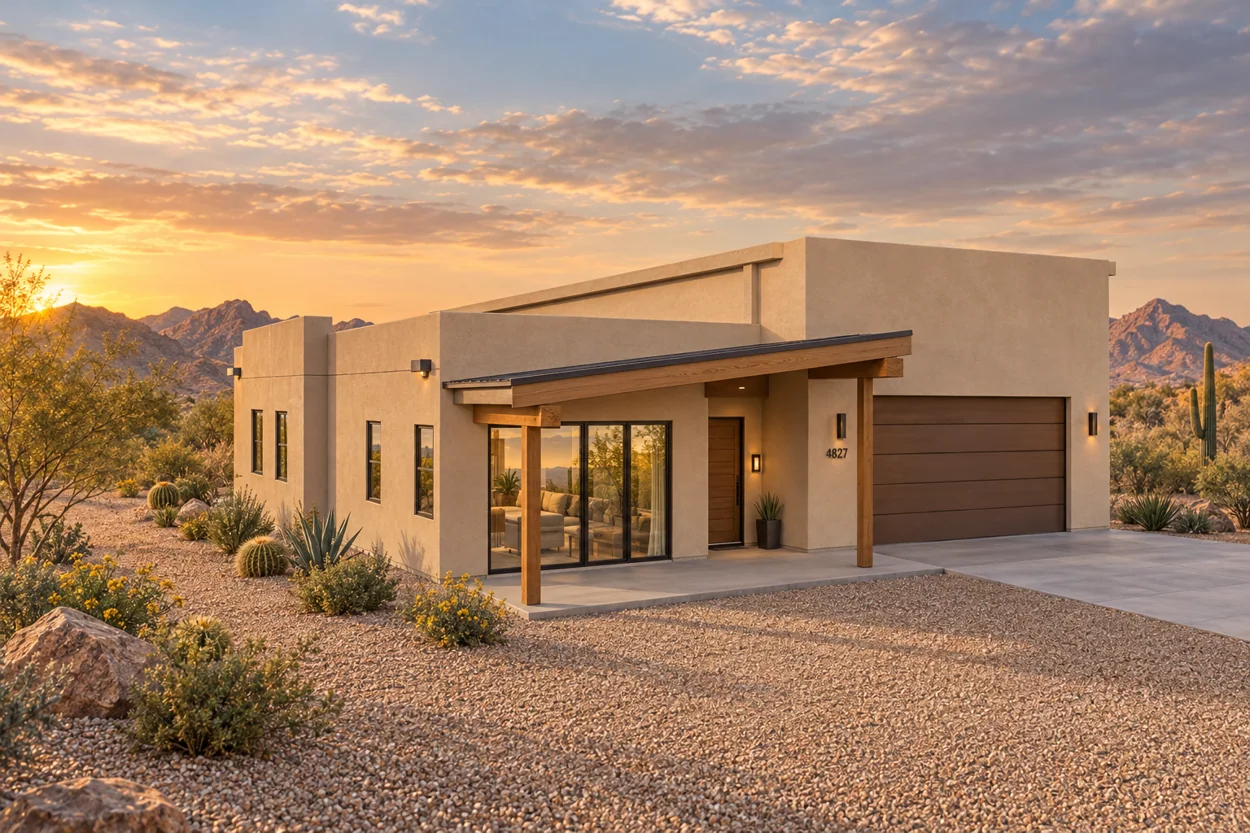
Choose a project your team knows well. Pick an exterior approach, an interior room with recognizable openings and one finish decision. Write down the three things the buyer needs to learn. This gives every tool the same brief and makes it possible to explain why one result is easier to use.
Ask a second person to restore the view
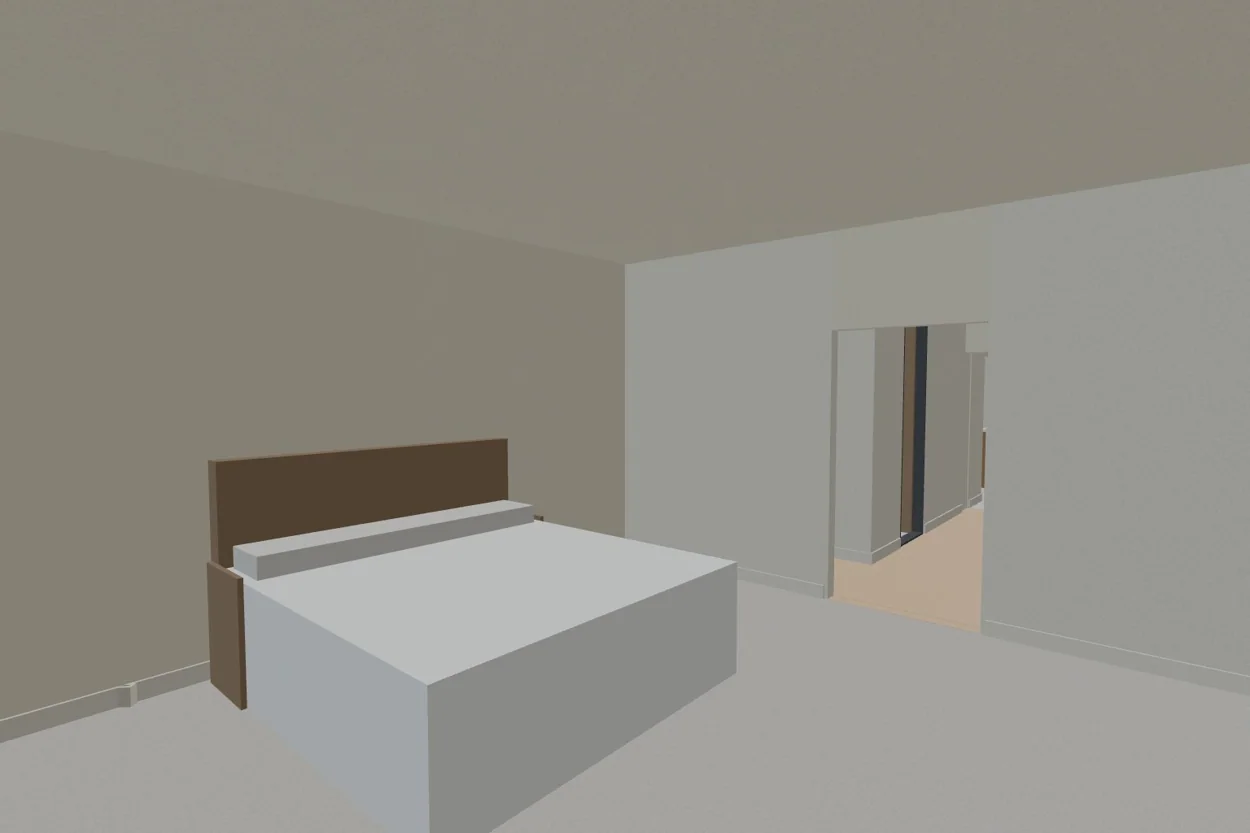
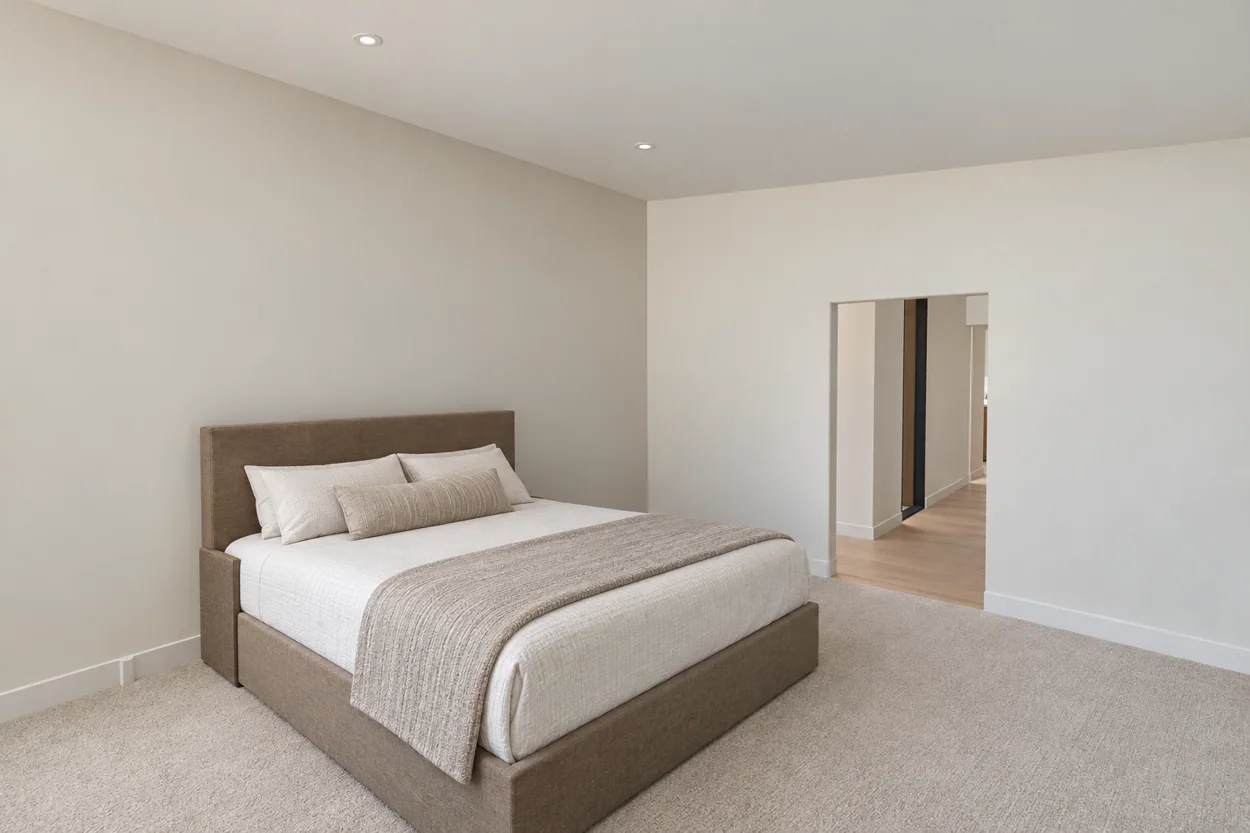
Have the designer save an angle, leave the room and hand control to someone else. Can that person recover the framing without estimating the original height and direction? Compare the door edges and the nearest wall corner between captures. On a finish comparison, even a modest camera shift can make a room feel wider.
Change exactly one finish
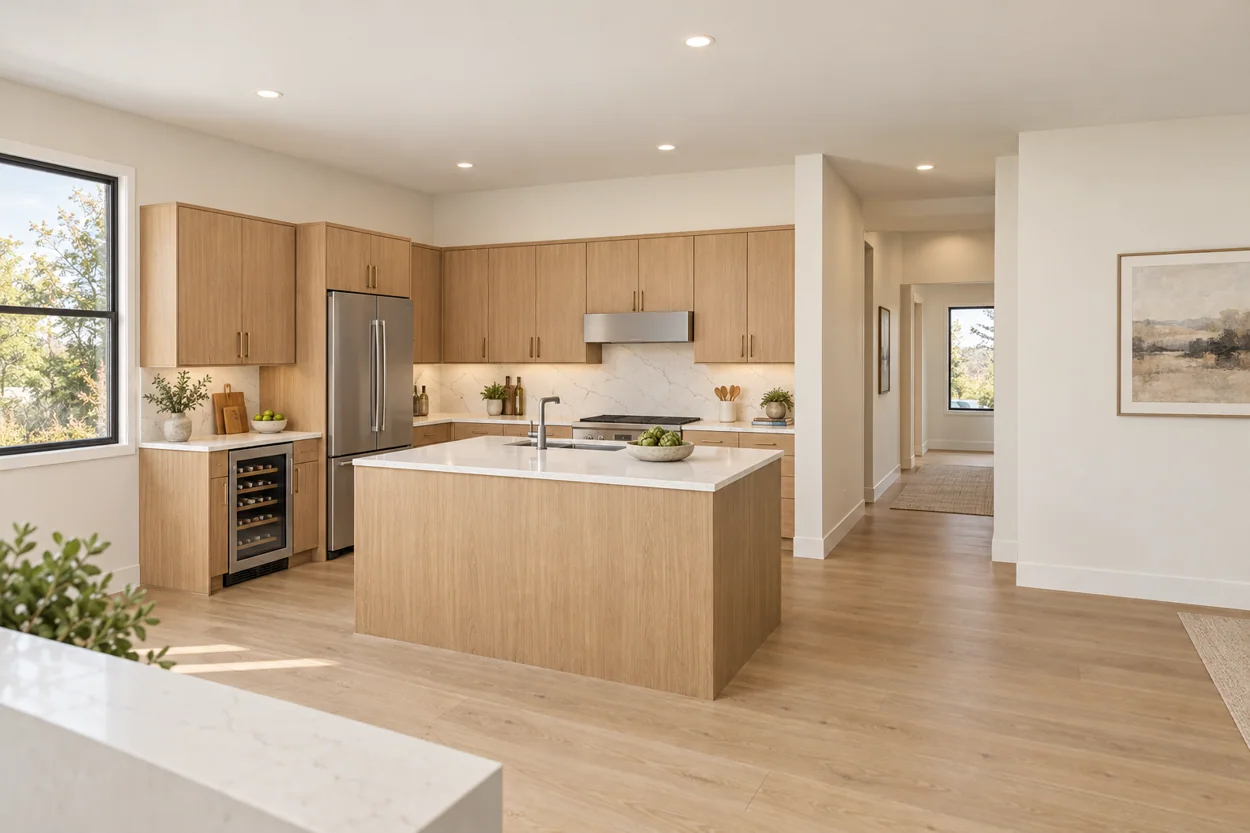
Hold the camera and brief steady, then request a different cabinet color or floor treatment. Review both images with the original model capture visible. Mark any change to glazing, walls or fixtures separately from the finish choice so an attractive image cannot quietly become a new architectural decision.
Score the handoff
At the end of the trial, ask someone who missed the meeting to find the selected image, reconstruct what was approved and locate the unresolved questions. A usable handoff names the house, room, camera and finish version. Record how long that took along with any manual cleanup your team had to do.
START A HOUSE
Upload the plans. Render the finished home.
Build a basic 3D model for free, then bring a house to life with a rendering package.
Start a house