
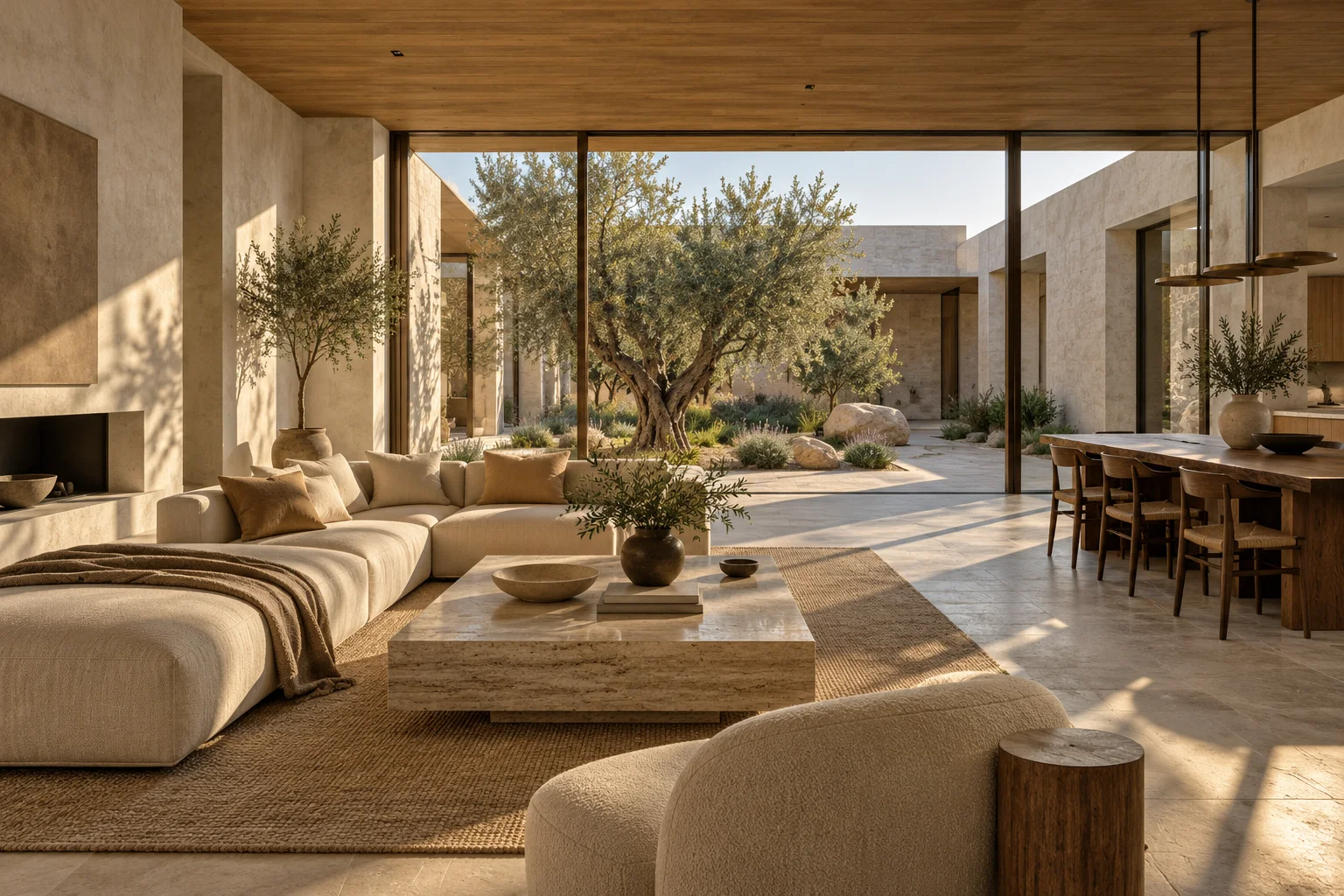
What is free and what costs $99?
Basic 3D modeling, exploration and saved model camera shots are free. One $99 USD purchase adds 12 AI renders to one uploaded house. Interior and exterior views share that allowance, and there is no monthly subscription.
Each successful new generation or image revision uses one render. Failed generations are returned to the house allowance. Another $99 package adds 12 more renders to the same house; packages are associated with that house rather than a pool for unrelated projects.
The package works out to $8.25 per successful render.
Dividing $99 by 12 gives $8.25 per successful generation if you use the full allowance. This is the arithmetic of the package, not a promise that one generation produces the final image you need. An edit uses the same allowance as another new view.
Quality and Fast are rendering preferences within the workflow. Choose Fast when exploring ideas and try Quality for presentation detail. Both successful generations use one render under the current package.
A practical 12-render shot plan.
Allocate the first few renders to the spaces that matter most. Then leave room to revise the materials or lighting that need another attempt. You do not have to render every saved camera view.
For example, two exterior views, three kitchen views, two great-room views and one bedroom view use eight renders. Four remain for successful revisions or another room. If your priorities are entirely interior, allocate the same package to those spaces instead.
- 2 exterior perspectives, if needed.
- 3 kitchen perspectives for cabinetry, island and room context.
- 2 great-room perspectives and 1 bedroom view.
- 4 additional renders reserved for revisions or another space.
Use the free model to avoid paying for the wrong camera.
Check the geometry and save your intended shots before purchasing. A different camera angle can answer a different question, so name the shots and add notes that explain what you want to evaluate.
Change one decision at a time when editing. Holding the view and most of the palette steady makes a revision easier to judge, and the history gives you a way back to an earlier result. Do not spend several renders trying to hide a model-reading error that needs attention first.
A rendering package and a commissioned visualization are different deliverables.
This is a self-service workflow for exploring and presenting a house from its drawings. It does not include an artist’s manual modeling service, professional construction verification or a guaranteed exact final image.
If your deliverable requires a highly specified custom model, extensive manual detail work or a formal approval process, define that scope separately. Keep the construction documents as the reference for dimensions and specification decisions.
Common questions
Is there a subscription?
No. The current house rendering package is a one-time $99 purchase for 12 renders. You can purchase additional packages for the same house.
Do interior and exterior renderings have separate allowances?
No. They share the same 12-render house allowance.
Do AI edits cost extra?
A successful revision uses one render from the existing house allowance. It is not an unlimited free-edit service.
Can I review the model before paying?
Yes. Basic 3D modeling and saved camera views are free, so inspect the model and choose your shots first.